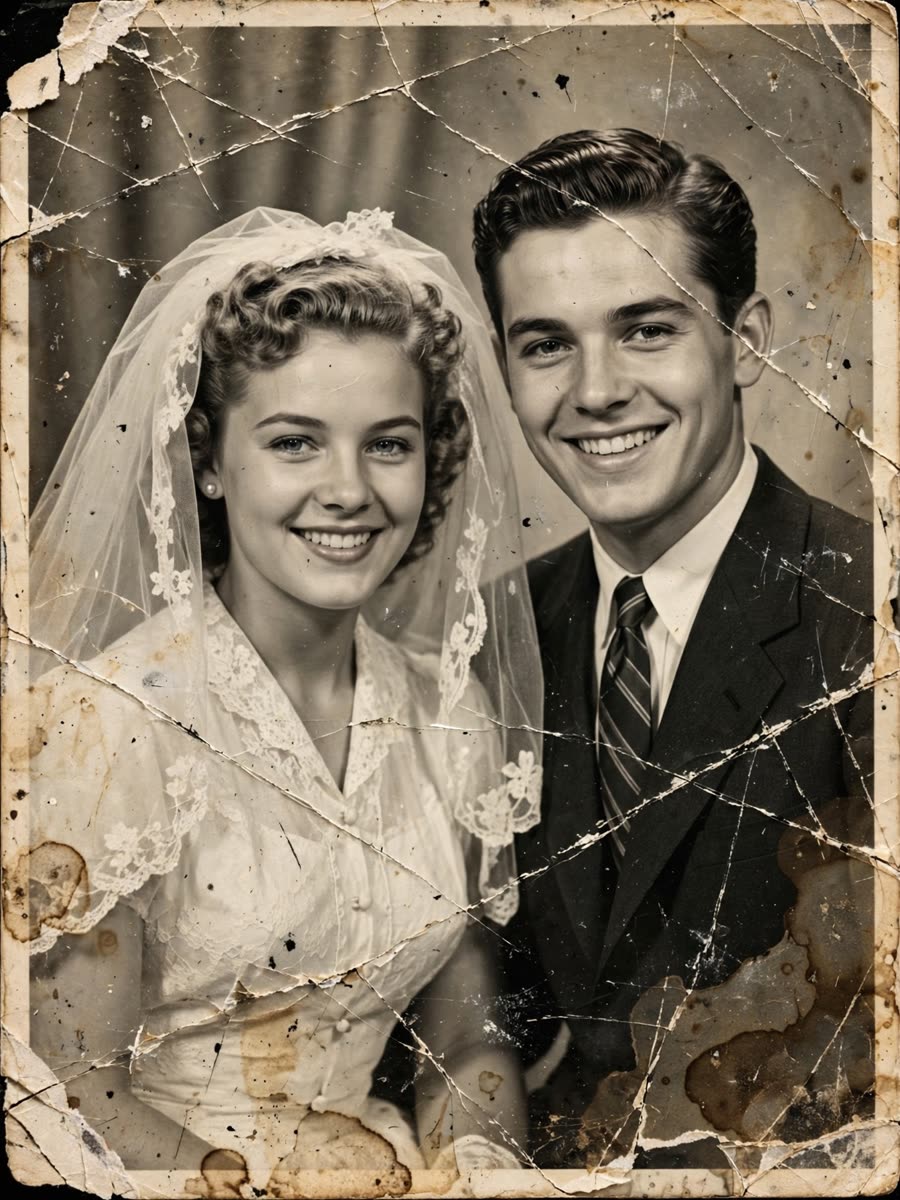
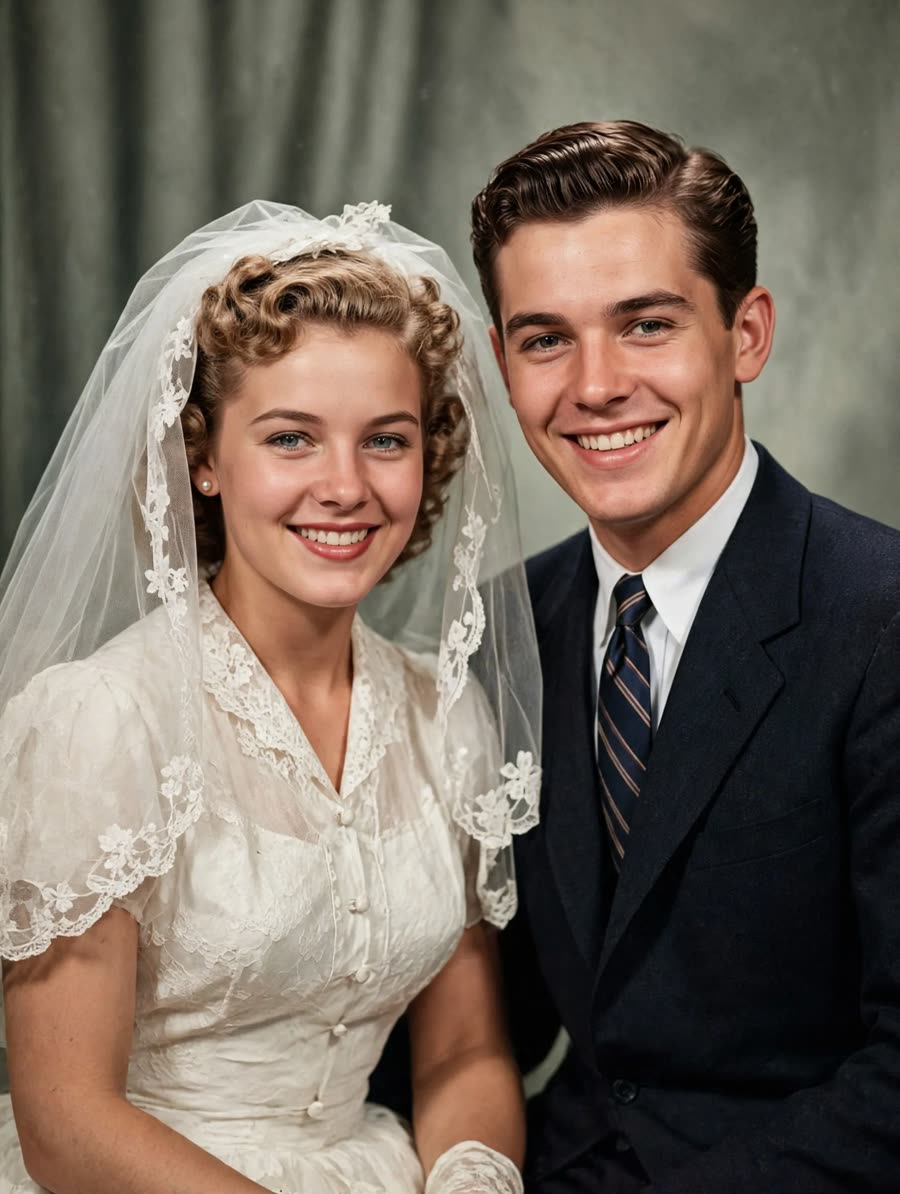
Caption
Restore a faded or damaged photo, or turn it into a short video where your loved ones move again. Upload one picture in your browser and see the result on this page.
1 animation and 3 restores free each day. No sign up, no card.
Before
Restored
Try it now
Pick what you need, add a photo and tick the box to confirm you may use it. The page shows the result when it is ready.
Free today: 1 animation and 3 restores. Your photo is deleted within 1 day.
Keep this page open. It updates by itself.
The result link works for 7 days. Download it now to keep it.
Today's free limit is used up
Continue in TelegramFree places for today are gone
Continue in TelegramToo many requests
See the result
Each card shows a damaged scan, the restored colour photo and a 5 second alive clip. People are fictional examples made with PhotoAlive.
Caption
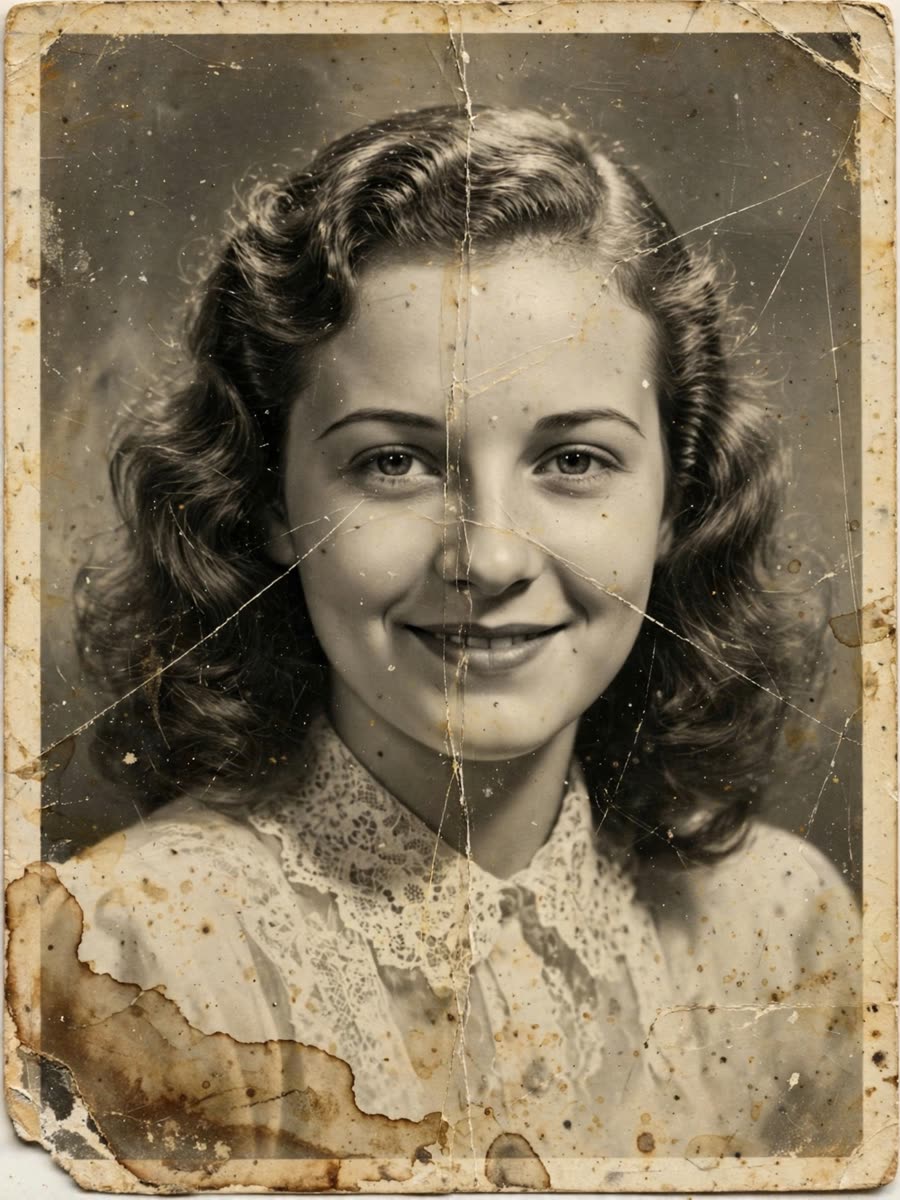

Caption
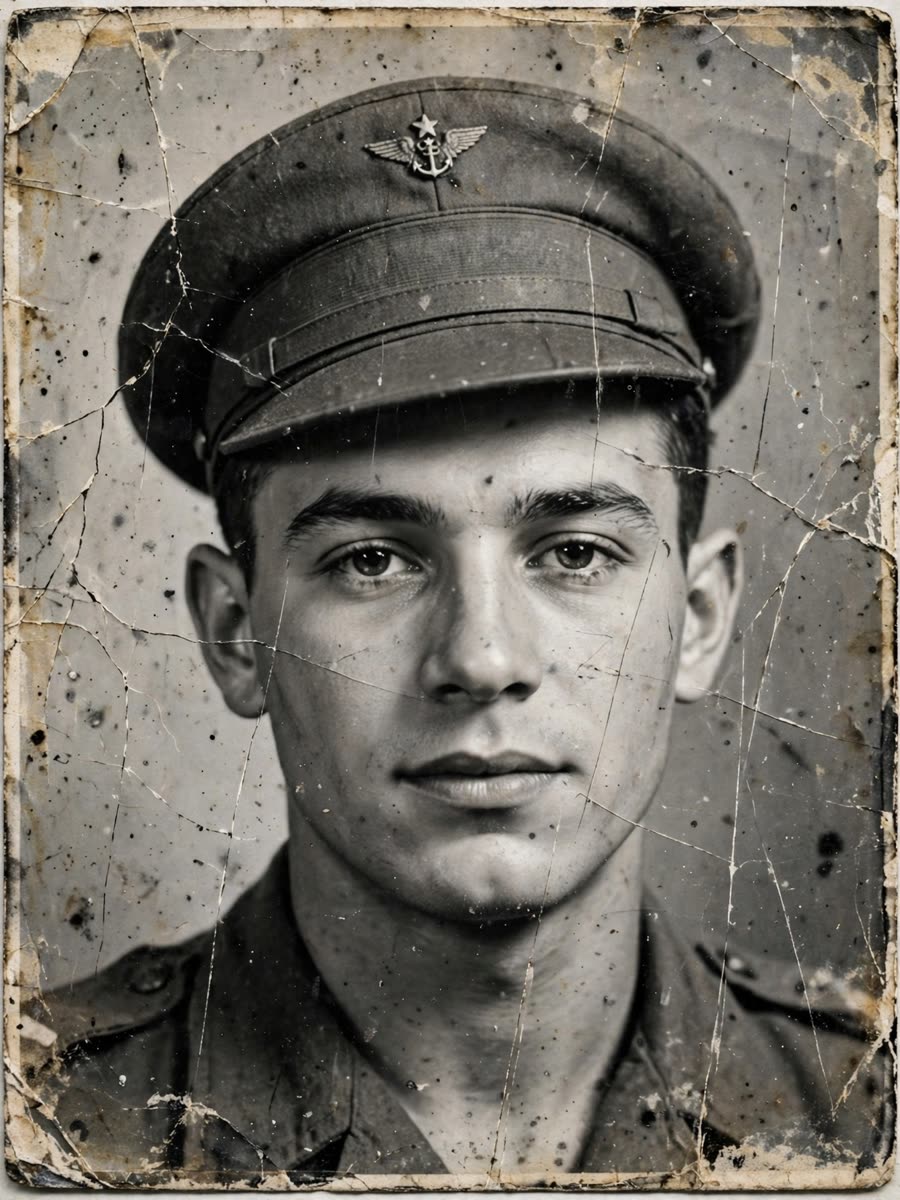

Caption
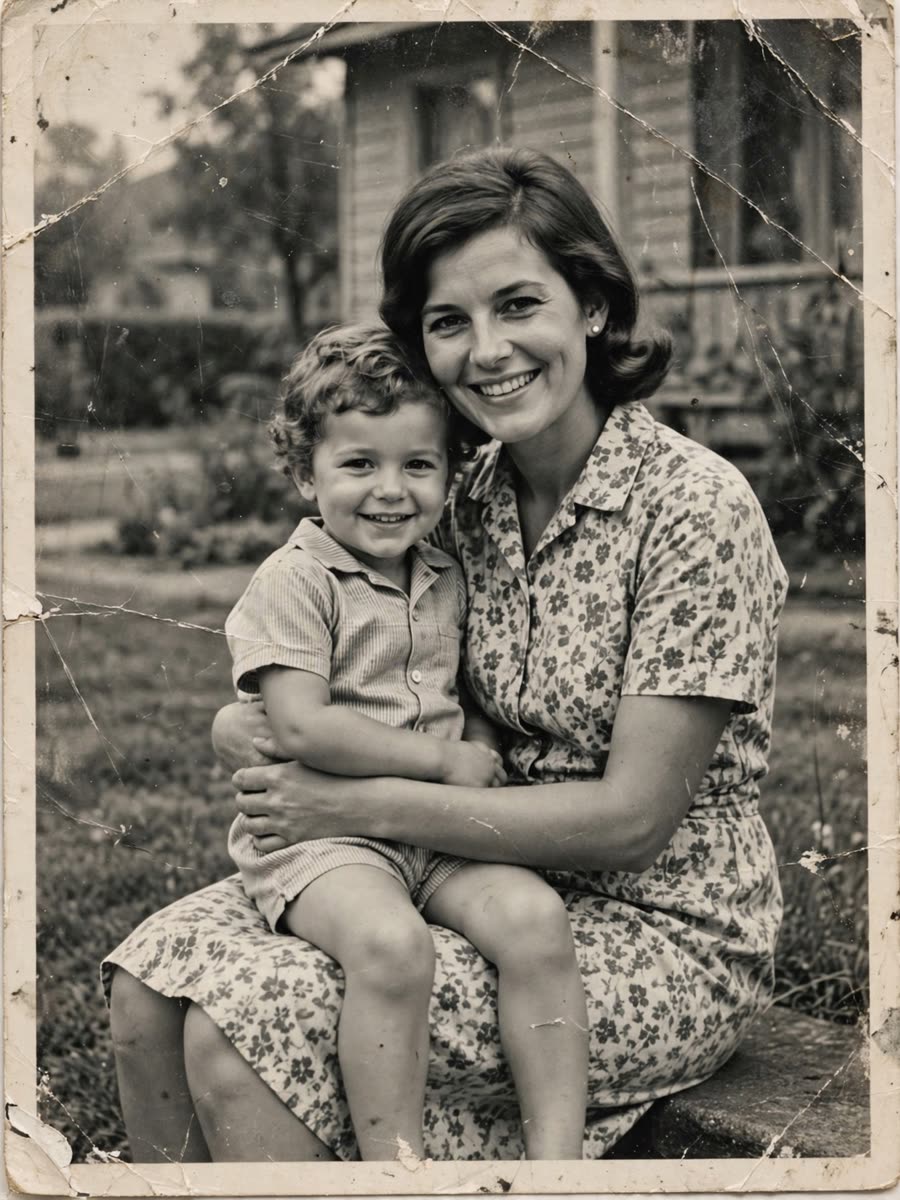
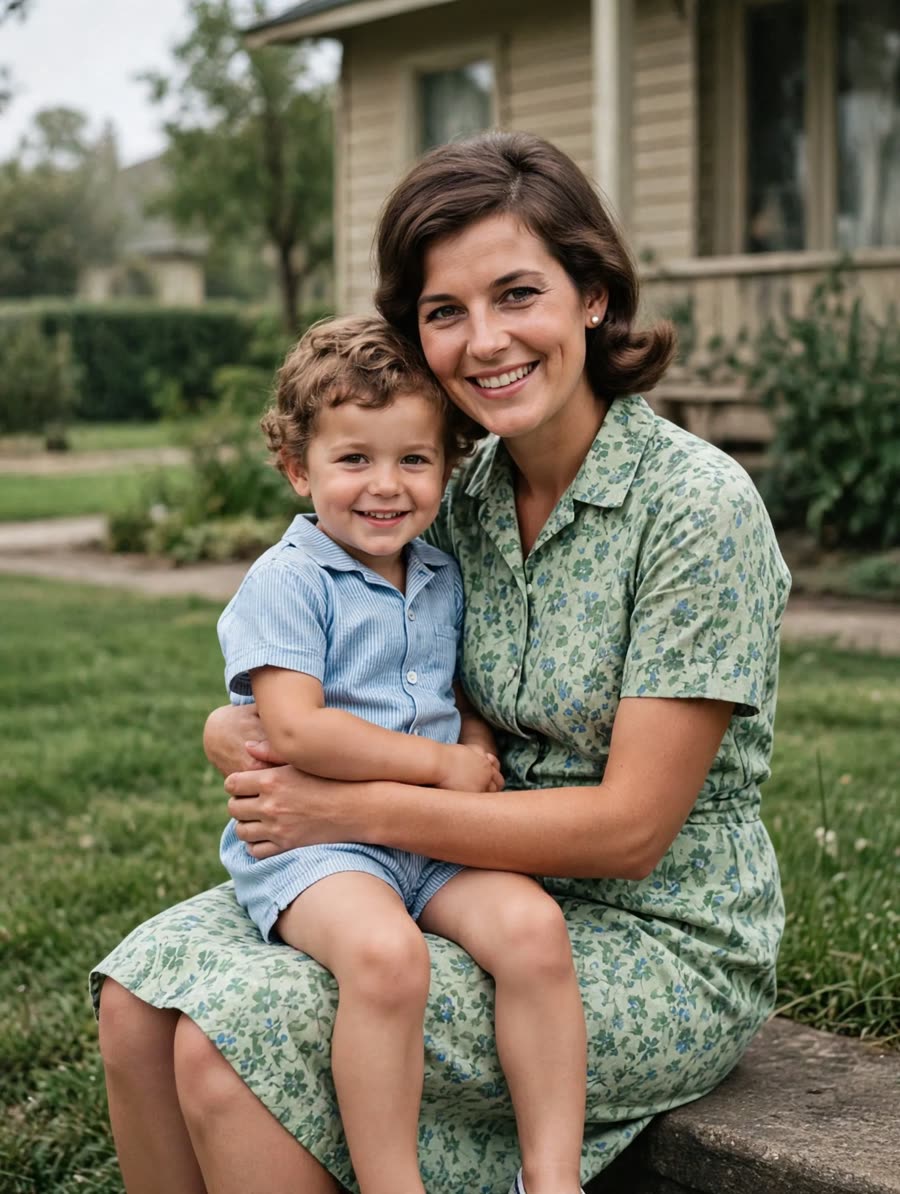
Caption
The faces you miss, sharp again. The moments you thought were gone, in color and in motion.
Why families use it
One upload works on tears, creases and faded areas. Keep the restored file for the family album.
Use the default gentle motion or describe the movement in your own words. Send the clip to the family group chat.
Uploads are removed within 1 day and results within 7 days. We never write your photo to our disk.
This page and the Telegram bot speak English, Deutsch, Français, Español, Italiano, Português and Polski.
How it works
Pick Animate for a 5 second video or Restore for a repaired photo.
JPEG, PNG, WebP or HEIC up to 20 MB. Confirm you may use it, then start.
Animations usually take 1 to 3 minutes. The page shows the result and a download button.
Why it works
Uploads are deleted within 1 day, results within 7 days, and job records within 30 days.
Most animations finish in 1 to 3 minutes while this page stays open.
The page and the Telegram bot share the same seven languages.
Restore and animate use the same fal.ai models as @photoalive_ai.
FAQ
Yes. Each visitor gets 1 animation and 3 restores per day on this page, with no account and no card. A daily limit for all visitors also applies, and the page tells you when it is reached.
Sharp, well lit photos where the face looks toward the camera work best. Two people in one photo are fine. Very dark, tiny or blurry photos, and faces turned away, give weaker results.
An animation usually takes 1 to 3 minutes. The page keeps checking while it is open. Restores go through the same queue, and the result appears on the page when it is ready.
Per visitor: 1 animation and 3 restores per UTC day. The site also has a daily total shared by everyone. When a limit is used up, the page points you to the Telegram bot, where more packages are available.
Your photo goes to our AI provider fal.ai only to create the result. We do not save it to our disk. Uploads are deleted within 1 day, results within 7 days, and our records are purged after 30 days.
No. This page works without sign up. The Telegram bot is optional and only needed for more packages.
The bot @photoalive_ai sells more animations and restorations in packages and has a free invite link. Its balance is separate from this page.
Yes. HEIC and HEIF photos from iPhones are accepted. You do not need to convert them first.
This page has no account, so an upload cannot be looked up later. Files are removed on the schedule above. To ask for earlier removal, write to our support on Telegram and tell us when you uploaded.
Only upload photos you have the right to use. Ticking the box confirms that you do. The upload does not start without it.
1 animation and 3 restores each day. No card, no contract.
Upload from your browser. No email address and no login.
If a run fails, that try goes back into your daily count.
Uploads within 1 day, results within 7 days.
1 animation and 3 restores free each day. No sign up, no card.